NHS App


Page last reviewed: 21 December 2025
Page created: 11 April 2022
Page created: 11 April 2022
We've put some small files called cookies on your device to make our site work.
We would also like to use google translate cookies and analytical cookies to understand how our site is used and improve user experience. Analytical cookies send information to Google Analytics.
Let us know your preference. We will use a cookie to save your choice. Before you make your choice you can read more about our cookie policy.
You can change your cookie settings at any time using our cookie policy.
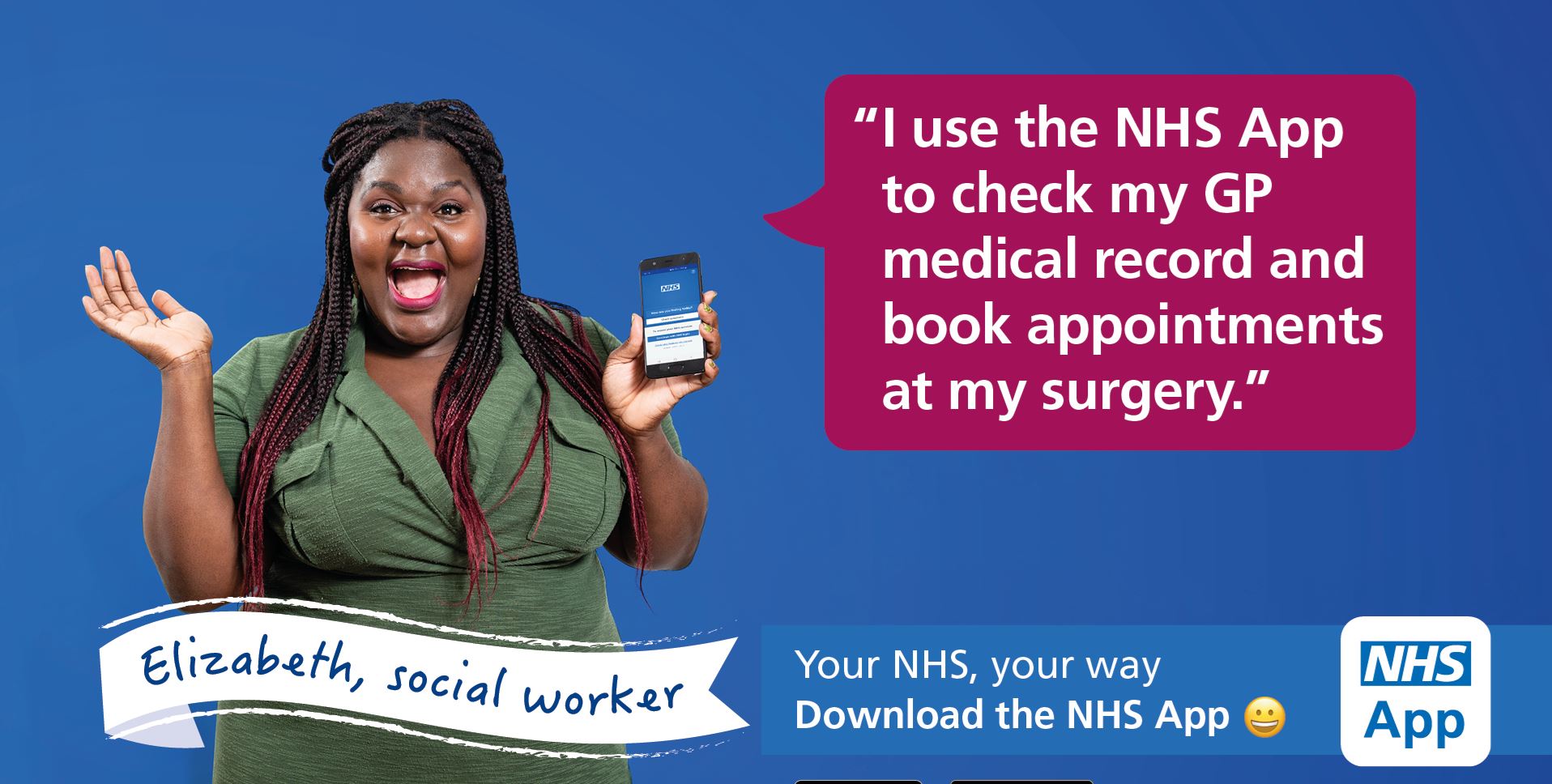
Your NHS account gives you access to your health records and services through the NHS App. To get an account, you must be 13 or older and registered with an NHS GP in England or the Isle of Man. The NHS App allows you to:
Before full access, you can still get advice and information about health conditions and coronavirus.
For more details, visit the official NHS App website, use the App Store or Google Play links below to download or watch the walk-through videos here.
Before you start, please make sure you have:
A smartphone, tablet, or computer
An email address
A mobile phone (to receive security codes)
Your NHS number (helpful but not essential)
iPhone or iPad (Apple):
Open the App Store
Search for NHS App
Select NHS App (published by NHS Digital)
Tap Get and install
Android:
Open the Google Play Store
Search for NHS App
Select NHS App (published by NHS Digital)
Tap Install
⚠️ Please make sure you download the correct app called “NHS App”.
Open the NHS App
Tap Continue
Choose:
Log in if you already have an NHS login
Create an NHS login if this is your first time
You will be asked to:
Enter your email address
Create a password
Enter a security code sent to your email
Add your mobile phone number (for text message codes)
To use GP services in the app, you must confirm your identity.
You may be asked to:
Enter your NHS number (if known)
Confirm your name, date of birth, and postcode
Upload a photo of ID (passport or driving licence)
Take a selfie or short video
This check is done securely and may take a few minutes up to a few hours.
Once your identity is confirmed:
The app will automatically link to this GP surgery
You will be able to:
Order repeat prescriptions
View your medical record
Book or manage appointments
If you need help:
If you do not have photo ID, you may still use the app with limited access. Please contact the surgery if you need help completing verification.
If you do not use smartphones, You can still use the NHS App services online at: https://www.nhs.uk/nhs-app and can also continue to contact the surgery by phone or in person.
If you forget your login details:
Open the NHS App
Select Forgotten password
Follow the on-screen instructions
Further support:
Speak to a member of our reception team